Who gets alerts, and when
Two failures in a row before any alert, a note when it’s fixed, and a short report every Monday.
When we email
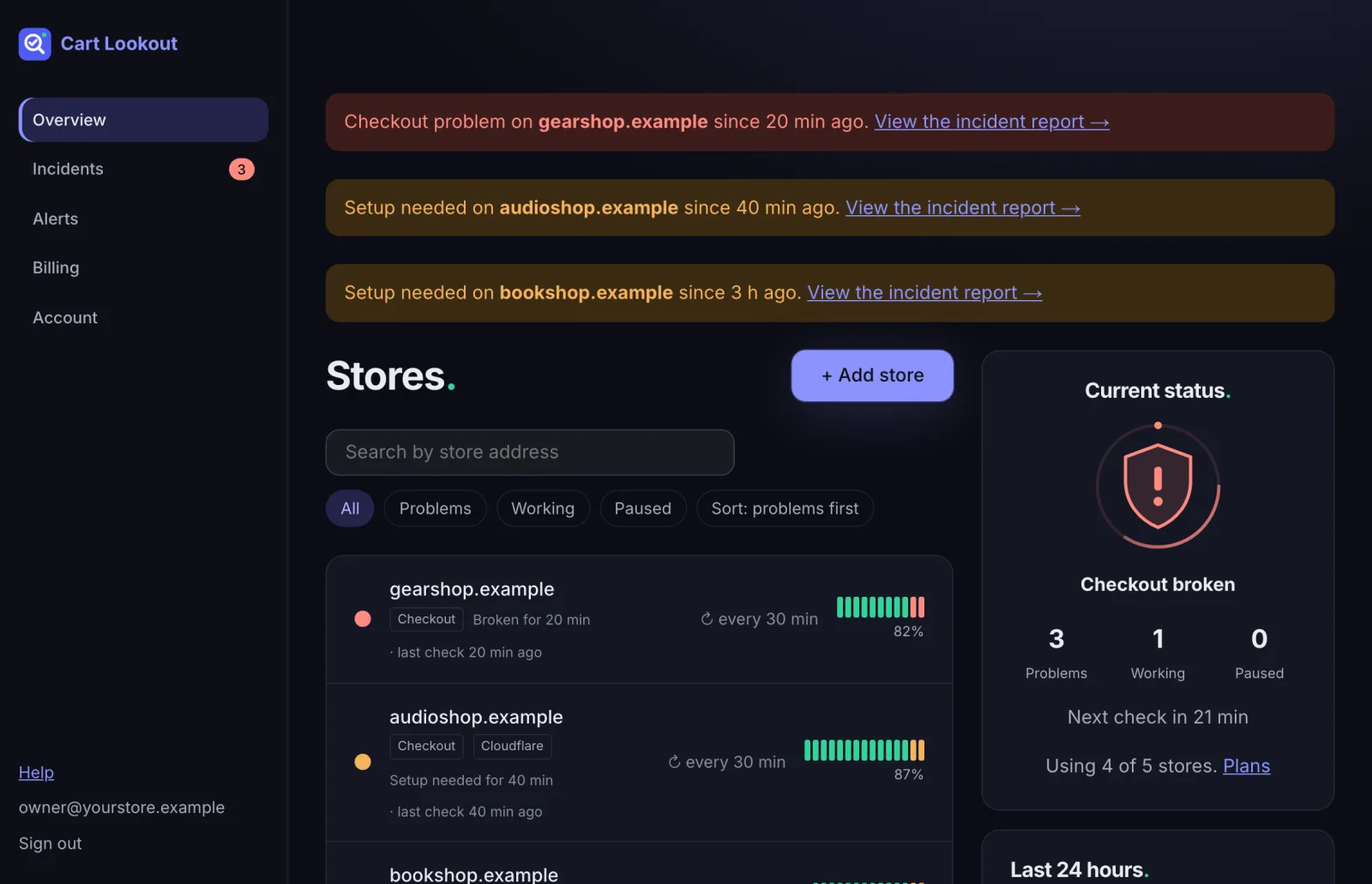
- Problem: after two failed checks in a row, a minute apart. Never on a single failure.
- Update: if the problem changes, for example from “payment” to “site down”.
- Resolved: when a check passes again.
- Setup problems (firewall, plugin not connected) email at most once a day, so a slow fix doesn’t flood your inbox.
Add your developer or team
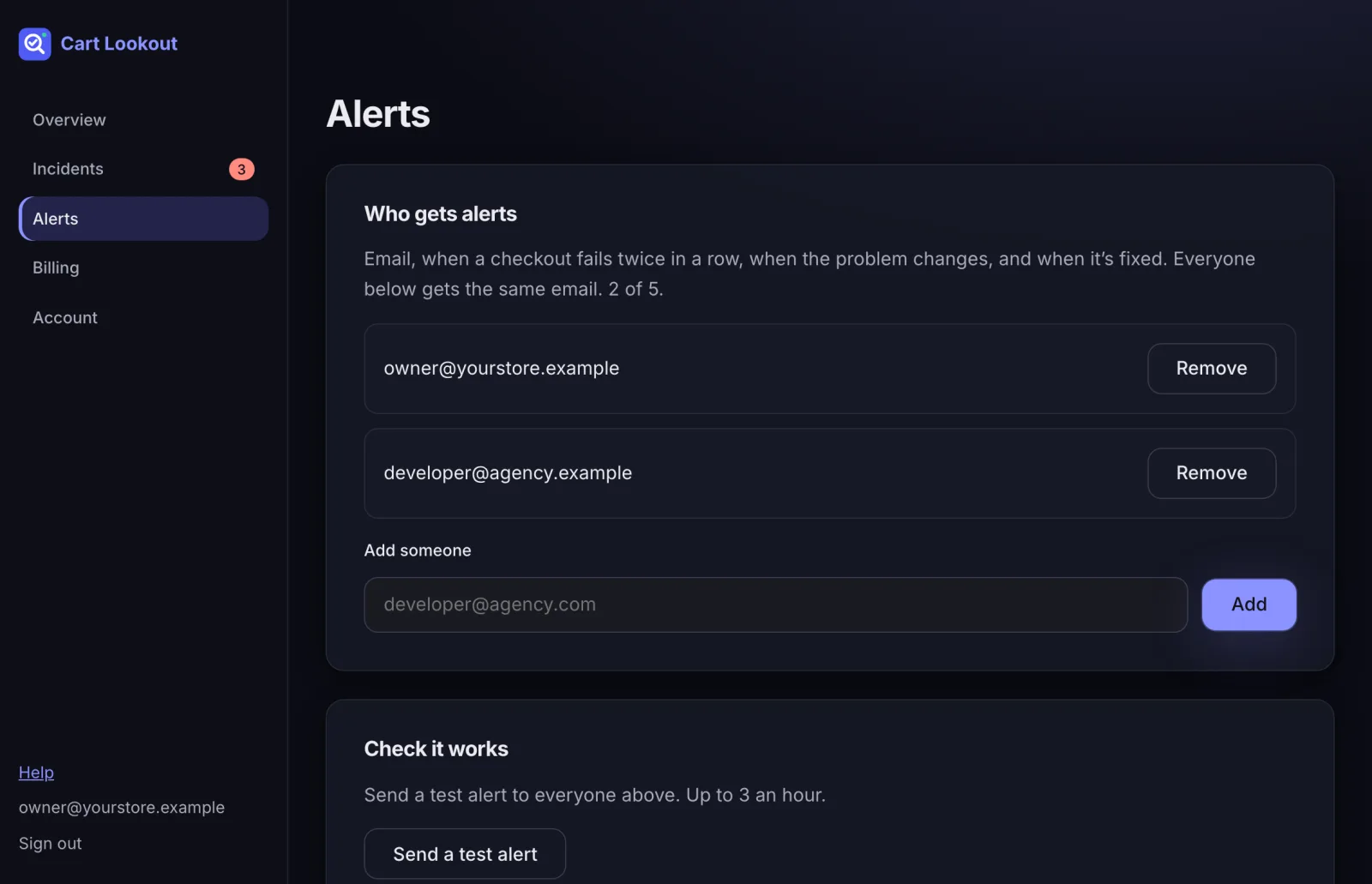
On Alerts, add up to 5 email addresses. Everyone gets the same email. Press Send a test alert to check it arrives, and not in spam.
Weekly report
Every Monday, everyone on the list gets one short email about the week before: how many checks and test orders ran, the updates we tested, and any problems with how long they took to fix. Turn it off or on at the bottom of the Alerts page. Problem alerts always come straight away, whatever this setting.
Working on the store?
Press Pause testing on the store page while you do maintenance, then Resume testing when you’re done. Paused stores aren’t tested and don’t alert.
Didn’t help? Email hello@cartlookout.com. More help